How to Make a Virtual Vision Board
As we approach the new year, it’s time to start thinking about next years goals. A vision board is a great way to help visualize what you want to accomplish in the year to come. It can be a powerful tool for setting your intentions, helping you to focus, and manifest what you want to achieve.
For the past few years I have been creating a virtual vision board. I create this in Canva and use it as my screensaver for the year. This helps to keep all my goals in the front of my mind and is a daily reminder of everything I’m working towards. I find this helps turn this new year activity into something that I continue to utilize all year long.
In this post, I’ll go through the simple steps I take when creating my virtual vision board so you can create your own.

1. Reflect on the previous year and set your intentions for the year to come.
The first step I take is to reflect on the previous year. My goals, my vision board, and what I have or haven’t accomplished. I find this a good time to reflect on the highs and lows, things I’m proud of, things I achieved, and things that maybe I didn’t achieve. This allows time and space to celebrate yourself and also let go of some of the things that disappointed you. Once you complete your reflection, start to set your intentions for the new year. Are there things you didn’t achieve that you want to put more focus into this year? Do you want to take your goals from next year to the next level? Or maybe you have totally different priorities for the year to come. Just get it all down on paper and organize your thoughts.
If you’re feeling overwhelmed on where to begin, try starting with the journal prompts below.
Reflection Prompts
- What from last years vision board or goals came true this year? What didn’t?
- What is something that happened this year that you are really proud of?
- What is something that you really wanted to happen this year but didn’t?
Intention Prompts
- What are 3 areas of your life that you want to focus on improving this year?
- When you envision the best version of yourself what do you think of?
- What type of daily habits do you have, what do you wear, how do you carry yourself?
2. Find photos for your vision board.
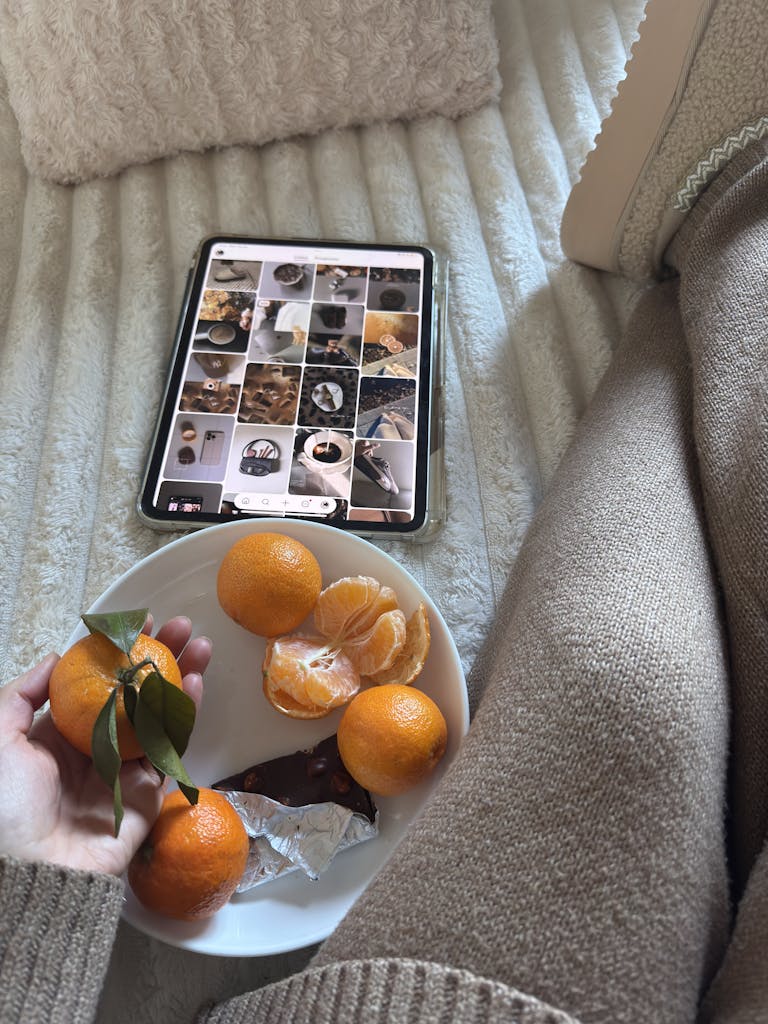
The next step is to find photos that represent the intentions you set in step 1. I find the easiest place to do this is Pinterest. I create a secret board and name it Vision Board 2026 and start pinning. I start by searching the different goals and intentions and pinning anything that inspire me. Don’t feel the need to be picky, anything that stands out and gives you joy or motivation, pin it. I go through all of the different things that I want to focus on and pin until I feel satisfied. To me, this lands me around ~100 pins, but it’s really not a science just do it until you feel like you have found photos that represent what you want to focus on for the year ahead.
Tip: As your pinning don’t just focus on photos, I find quotes and phrases really great to add to my vision board as well and Pinterest is full of them. If you don’t know where to start try searching “financial quotes”, “health and wellness quotes”, “fashion quotes”, etc. and you will find tons of different pins to choose from.

3. Start creating your vision board.
For this next step, I start with going to the board I just created and downloading all of the photos and quotes that stood out to me that I want to include in my vision board. I like a really full collage so I download a lot ~25-50 photos, but do whatever feels right for you.
Once all my photos are downloaded, I go over to Canva. If you don’t have account, go ahead and make one. The free version is fine and will have everything you need to make your vision board. Once in Canva, click on create design and type in ‘Phone Wallpaper’.
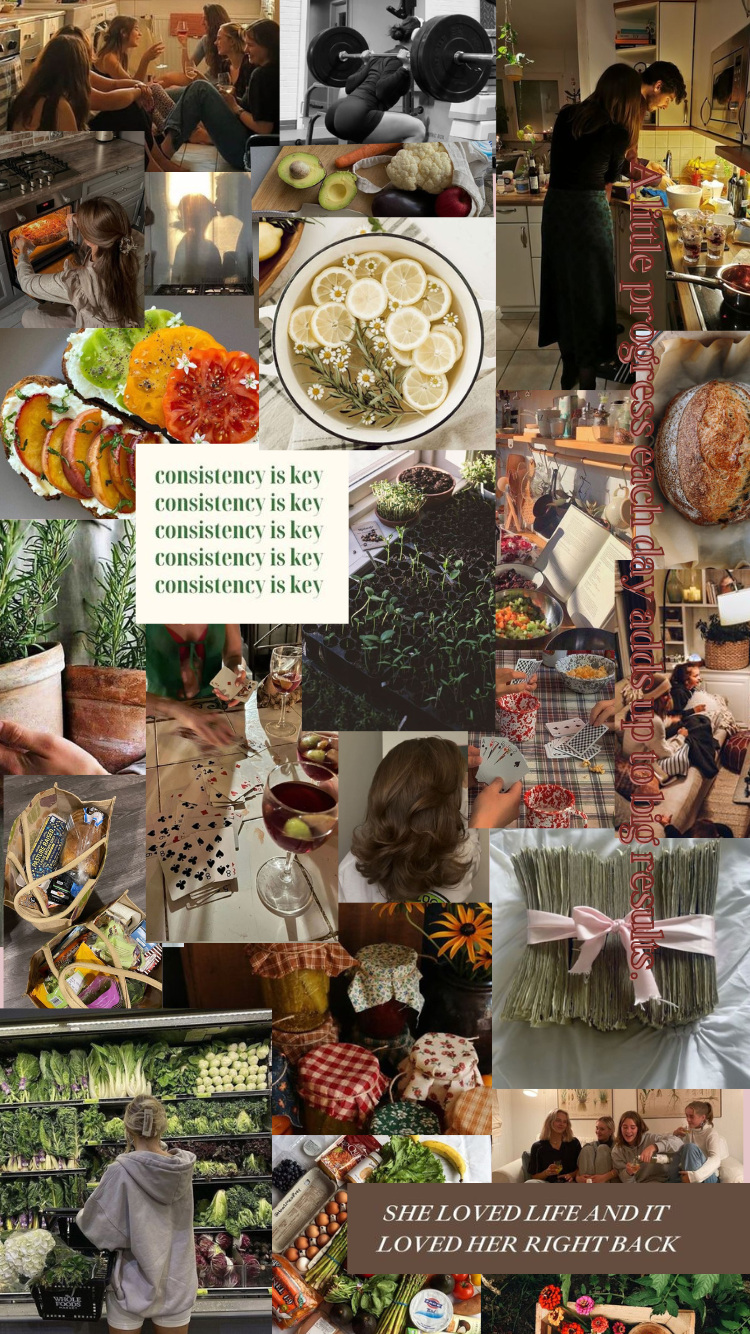
From there you just need to upload all your photos and start playing around with how you want them all situated on your board. I usually take a bit of time to do this part and try to layer everything in the ways I want till I’m satisfied. I’ll also often add fun text directly over the designs in fun fonts for some of the quotes that stuck out most the me. My finished product ends up looking something like the example below. I personally like the really cluttered look but you should do whatever feels right for you.
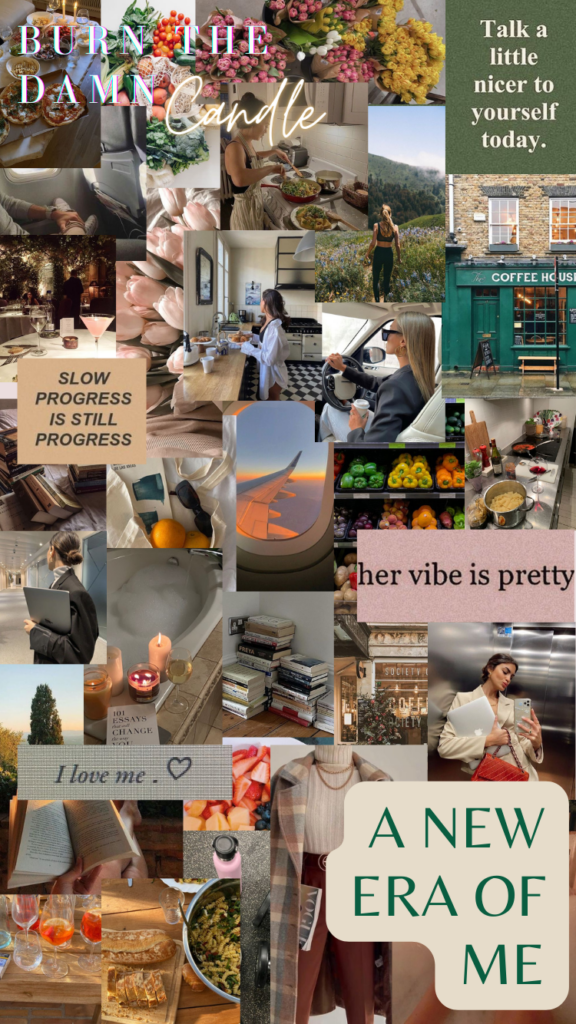
Thats it! Now you should have your very own digital vision board. All thats left to do is download from Canva and set as your background. This fun new year activity will help you stay motivated on your goals for the whole year to come.
amx